Login and account access at rocketbet casino

rocketbet casino

Securing your rocketbet casino account starts with logging in safely. Here you will find instructions for setting a strong password, recovering lost login details, and resolving common access issues.

18+

Sign in

What you need to know about account access

Access to your Rocketbet account requires the email address and password you set during registration. Make sure to keep these credentials confidential and never share them with third parties. The platform uses SSL encryption and a fraud detection system to prevent unauthorized access.

Once you log in, you can manage your profile and payment methods. Full verification is required for withdrawals: you must provide a valid photo ID, proof of address, and proof of your payment method. The KYC review takes place before the first withdrawal or at any other time during the customer relationship. Ensure that your registered information is current and correct to avoid delays.

If the account is not used for an extended period—more than twelve consecutive months without activity—Rocketbet charges a monthly inactivity fee of 5 euros. To avoid this, log in regularly or place small bets. If you wish to close your account permanently or take a break from gaming, contact customer support using your registered email address.
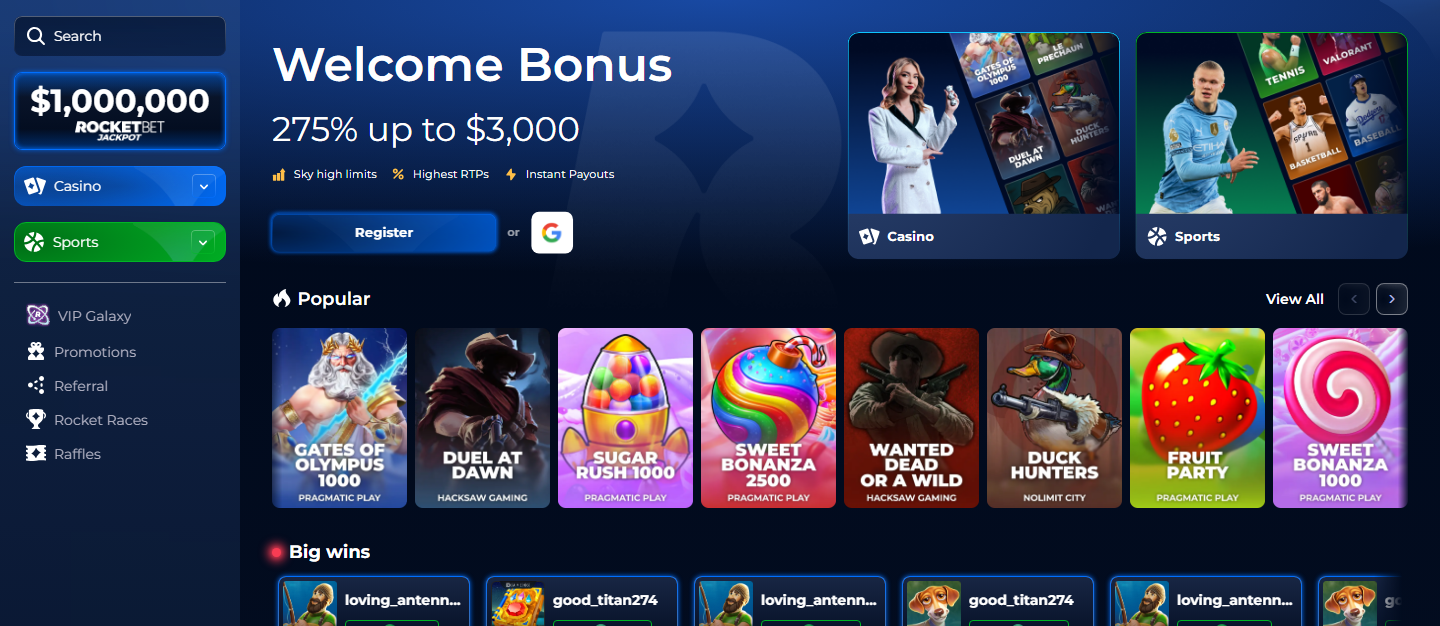
Rocketbet is operated by Astor Holdings Ltd and is registered in Anjouan under licence ALSI-142406002-FI1 / 15727. The minimum age for use is 18 years. If you need support with responsible gaming, you can request a self-exclusion at any time, which takes effect within 24 hours of receipt.

  • Use only your registered email address and personal password to log in
  • Never share your credentials with third parties or other players
  • Always keep your profile information, especially address and phone number, up to date
  • Complete KYC verification in a timely manner to receive withdrawals without delay
  • Log in at least once a year to avoid the monthly inactivity fee
  • If needed, request a self-exclusion through customer support using your registered email

Log in securely

Access to your Rocketbet account is through the combination of email address and password you set during registration. Make sure to choose a strong password that you do not use anywhere else, and never share your credentials with third parties. The login area is accessible via the main page of rocketbet.de.com and is protected by SSL encryption.

When you log in for the first time or request a withdrawal, the casino may ask you to confirm your identity. This KYC process serves to secure your account and comply with regulatory requirements. You must then provide a photo ID, proof of address, and, if applicable, proof of payment method. The review is usually completed promptly, and your account may remain restricted during processing.

Rocketbet uses an advanced fraud detection system that monitors unusual activity and can block suspicious login attempts. If you experience problems logging in or receive an unusual message, contact support immediately via the 24/7 live chat. Keep your credentials safe and always log in through the official website to avoid phishing attempts.

Forgot password

If you have forgotten your password at Rocketbet, click on the «Forgot password» link on the login page. You will be asked to enter the email address you used during registration. The system will then send you a password reset link to that address. Also check your spam folder if the email does not arrive within a few minutes.

Open the link in the email and enter a new, secure password. Choose a combination of upper and lower case letters, numbers, and special characters to increase the security of your account. Avoid simple words or number sequences that are easy to guess. After successful confirmation, you can log in immediately with your new password.

Keep your new password safe and never share it with third parties. If you no longer have access to the registered email address, contact Rocketbet support via live chat. Support is available around the clock and can help you restore account access if you can verify your identity.

Account suspension and recovery

Rocketbet may temporarily suspend or restrict your account in cases of suspicious activity, repeated failed login attempts, or during KYC review. The company employs an advanced fraud detection system to monitor gaming behavior and account movements. When a suspension is triggered, you will typically receive a message with instructions for restoration.

To unlock a suspended account, contact customer service via live chat, which is available around the clock. You may need to provide additional documents: a selfie with your ID, proof of source of funds, or phone verification. Submit all requested documents promptly, as requests may be cancelled after 30 days without response.

Keep your login credentials secure and never share them. Change your password immediately if you suspect unauthorized access. Use different passwords for different services and enable available security features. In cases of technical problems or unclear suspensions, support will help restore your account quickly once all checks are completed.

Two-factor authentication and account security

Two-factor authentication (2FA) adds an additional layer of security by requiring a second confirmation step in addition to the password—for example, a time-based code from an authenticator app or a code sent via SMS. This protects access even if the password has been compromised. Many platforms offer 2FA as an option; players should check whether this feature can be enabled in account settings.

General account security includes choosing a strong, unique password that combines upper and lower case letters, numbers, and special characters. Avoid reusing passwords across multiple services. Regular password changes and the use of a password manager further increase protection. Make sure to always log in over a secure connection (HTTPS) and avoid public Wi-Fi networks.

Regularly review your login history and account activity to detect unusual access early. Report suspicious incidents to support immediately. Keep your contact details up to date so that important security notifications reach you. A thoughtful combination of 2FA, strong passwords, and attentive monitoring provides the best protection for your player account.

Mobile app access

Rocketbet.de.com offers full access via mobile web browsers on iOS and Android devices, without needing to install a native app. You log in by opening the website in Safari, Chrome, or another mobile browser and entering your usual login credentials. The mobile interface automatically adapts to the screen and supports the same authentication methods as the desktop version, including password recovery and any security options you have enabled.

All core functions—game library, account management, deposits, and withdrawals—remain available via the mobile browser. You do not need to go through a separate login procedure: once you are logged in, your session synchronizes across all devices as long as you remain logged in. For faster access, you can place a bookmark or shortcut to the website on your home screen, which provides the same experience as a standalone app.

Before logging in, always check that the URL is correct and that the connection is secure (HTTPS). On shared or public devices, use incognito mode or log out after each session to prevent others from accessing your account. Do not save your login credentials in the browser if the device is not entirely yours, and consider biometric authentication or a password manager for added convenience and security.

FAQ

Can I change my email address after I create my account?

This depends on rocketbet casino's settings. Contact support for help changing your email address.

How long is my password recovery link valid?

Recovery links typically have a limited validity period for security reasons. If your link has expired, request a new email message.

What should I do if I do not receive a password recovery email?

Check your spam folder and verify that you entered the correct email address. If you still do not receive the recovery message, use a verified support channel.

Can I take over someone else's account?

Manage only your own account. Do not share your login details and do not use anyone else's account.

Is rocketbet casino safe for logging in on public wifi?

Public wifi networks are less secure. Use a trusted private network where possible and avoid managing money on public wifi.

Responsible Gambling